Google Shopping feed optimisation: the 2026 playbook for UK retail brands
PMax assembles your ads from your product data, so the feed decides which auctions you enter. A practical playbook for UK retail — and the 31 January 2027 image deadline to beat.
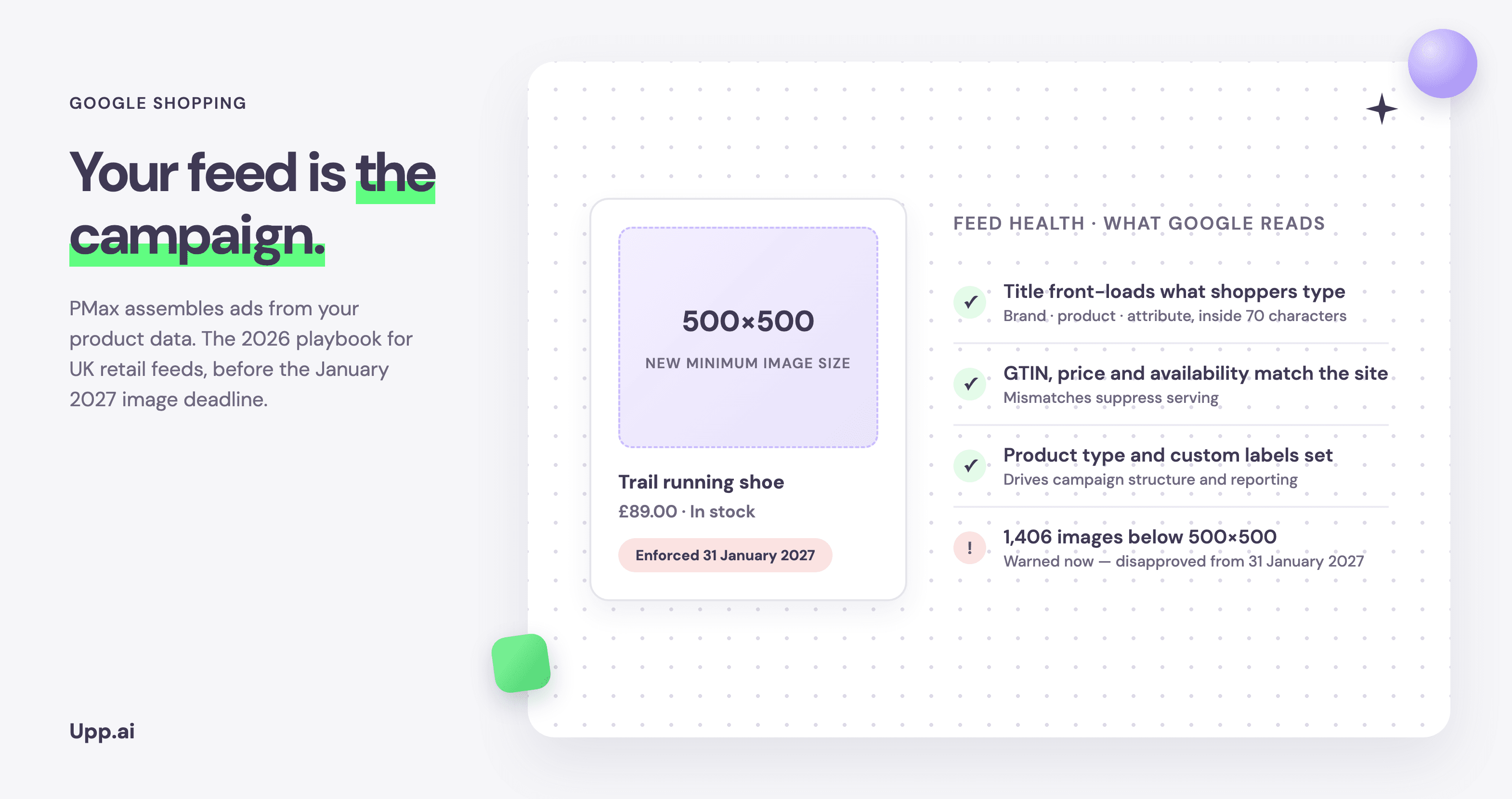
Nobody gets promoted for feed work. It has none of the glamour of creative testing and none of the dashboard drama of bidding changes. It is also, for a retail account, the single highest-leverage surface in Google Ads — because in Shopping and Performance Max there are no keywords. Google decides which auctions your products enter by reading your feed.
Two dates make this the right quarter for UK retail brands to take that seriously. The first is 31 January 2027, when Google starts enforcing a new minimum image size across every product category. The second already passed: on 2 October 2026, PMax asset experiments reached all advertisers, which means feed and creative changes can now be measured with a proper control group instead of a before-and-after guess.
Why the feed decides your Shopping performance
Every Shopping and PMax impression starts with a match between a query and your product data. Weak titles mean missed queries. Missing identifiers mean weaker matching against Google's product graph. Price or availability mismatches between feed and site mean suppressed products — silently, while the campaign happily spends on whatever remains.
That last mechanism is the one that stings most in audits. A campaign's reported performance can look stable while a growing share of the catalogue has quietly dropped out of serving. The budget concentrates on fewer SKUs, those SKUs saturate, and the account “mysteriously” stops scaling. The campaign didn't break. The feed did.
The deadline: images and the 31 January 2027 cut-off
Google's 2026 product data specification update raises the minimum resolution for the image_link and additional_image_link attributes to 500×500 pixels, across all product categories and all marketing methods. Warnings have been running in Merchant Center since 14 April 2026; enforcement — meaning disapproval — begins on 31 January 2027.
Google says it will auto-optimise some undersized images to prevent disapproval, and will flag those in the Needs attention section. Treat that as a safety net, not a plan: an upscaled 300-pixel image meeting the minimum is not the same as a sharp product shot, and Google recommends 1500×1500 or above for a reason — your images serve everywhere from Shopping tiles to YouTube placements.
The practical UK retail problem is the calendar. Enforcement lands on 31 January, straight after a peak period when most retailers freeze development work. If your image pipeline needs re-exporting at higher resolution — or worse, re-shooting — the realistic window is November. To size the job, open Merchant Center, go to Needs attention, select View history, and look for “Image too small for upcoming enforcement”.
The playbook: six feed fields that move revenue
1. Titles — front-load what shoppers type
Structure titles as brand + product type + the attributes that disambiguate: size, colour, material, model year. Put the highest-intent words first, because truncation eats the tail in most placements. Don't keyword-stuff: titles are matched by meaning as well as string, and a readable title converts better after the click too.
2. Images — meet the minimum, then test the style
Clear the 500×500 floor catalogue-wide, aim for 1500×1500, and keep file sizes under the 16 MB limit. Then treat image style as a test, not a doctrine: cutout versus lifestyle shots perform differently by category, and asset experiments now let you measure which, rather than argue about it.
3. GTINs and identifiers — your ticket into the auction
Correct GTINs connect your products to Google's product graph, which improves matching, enables ratings and comparison surfaces, and protects you from disapprovals. For own-brand products without GTINs, brand plus MPN with identifier_exists set correctly keeps you eligible.
4. Price and availability — mismatches are silent killers
If the feed says £49 and the landing page says £54, the product risks suppression. Automatic item updates patch the symptom; fix the source by shortening the path from your pricing system to the feed. During peak, when prices move daily, feed refresh frequency becomes a revenue variable.
5. Product type and custom labels — the handles you steer with
google_product_category helps Google classify; product_type and custom labels are for you. Label by margin band, stock depth, seasonality and price point, and your campaign structure gains handles for the decisions that matter: protect bestsellers, push overstocks, cap low-margin lines. Without labels, every budget decision is catalogue-wide.
6. Supplemental feeds — fix data without touching the ERP
Most feed fixes die waiting for a platform release. Supplemental feeds let you overlay corrected titles, labels and attributes on top of the primary export, which turns a quarterly IT request into a same-day change. This is how feed work becomes weekly maintenance rather than an annual project.
Test it, don't guess it: PMax asset experiments
Since 2 October 2026, asset testing for Performance Max is available to all advertisers. Unlike older campaign experiments, these run inside a single campaign: traffic splits between a control arm and a treatment arm, which shortens learning and keeps the comparison clean. For retail, the headline use cases are measuring what adding assets does to a feed-only campaign, and whether adding video lifts a campaign that already has images.
One rule to respect: once an experiment starts, the asset group locks — no edits until it concludes. Plan test windows of four to six weeks for statistically useful reads, which makes right now the last clean window before Black Friday decisions.
A feed tuned once in January is stale by March. The brands that compound are the ones whose product data stays true every week.
Feeds are maintenance, not a project
Here is the honest challenge to how most teams run this: feed optimisation fails not for lack of knowledge but for lack of cadence. Everyone knows titles matter. The gap is that prices moved on Tuesday, twelve lines went out of stock on Thursday, the new season landed Friday, and the practitioner responsible was in campaign reviews all week. The work isn't hard. It's relentless.
That's an execution problem, and it's exactly the kind of problem that shouldn't be solved with more practitioner hours. When B&Q moved this class of work onto Upp.ai, the result over twelve months was a 16% ROAS improvement and 40% more product visibility on the same media budget — not because anyone found a magic setting, but because one million SKUs stopped waiting for a human to notice them.
Frequently asked questions
What is Google Shopping feed optimisation?
The practice of improving the product data you send to Google Merchant Center — titles, images, identifiers, pricing, availability, categorisation and labels — so products match more queries, stay eligible to serve, and give campaigns the structure to spend budget where it returns most.
What changes for product images on 31 January 2027?
Google raises the minimum resolution for primary and additional product images to 500×500 pixels across all product categories. Warnings have run since April 2026; from 31 January 2027, undersized images face disapproval, although Google will auto-optimise some images and flag them in Merchant Center.
Do I need to rewrite every product title?
No — prioritise by revenue at risk. Fix titles on your top-traffic and top-margin lines first, establish the brand + product type + attribute pattern, then roll it through the catalogue via your feed tool or supplemental feeds. Measure before and after on impression and click share, not gut feel.
What are Performance Max asset experiments?
A/B tests inside a single PMax campaign, generally available since 2 October 2026. Traffic splits between a control arm and a treatment arm so you can measure the impact of adding or changing assets — including adding assets to feed-only campaigns. Asset groups lock while a test runs, and Google recommends four to six week windows.
How often should a retail feed update?
At minimum, as often as prices and stock change — for most UK retailers that means daily feed refreshes, with intraday updates during promotions and peak. Attribute improvements (titles, labels, images) work well as a weekly cadence with a monthly audit.
Sources: Google Merchant Center product data specification update 2026; Google Ads Help on PMax asset testing; Upp.ai x B&Q case study.
Move your paid media to AI
Feed work compounds — if something keeps it true every week. See how retail teams keep every SKU selling with Rubin.
Keep reading
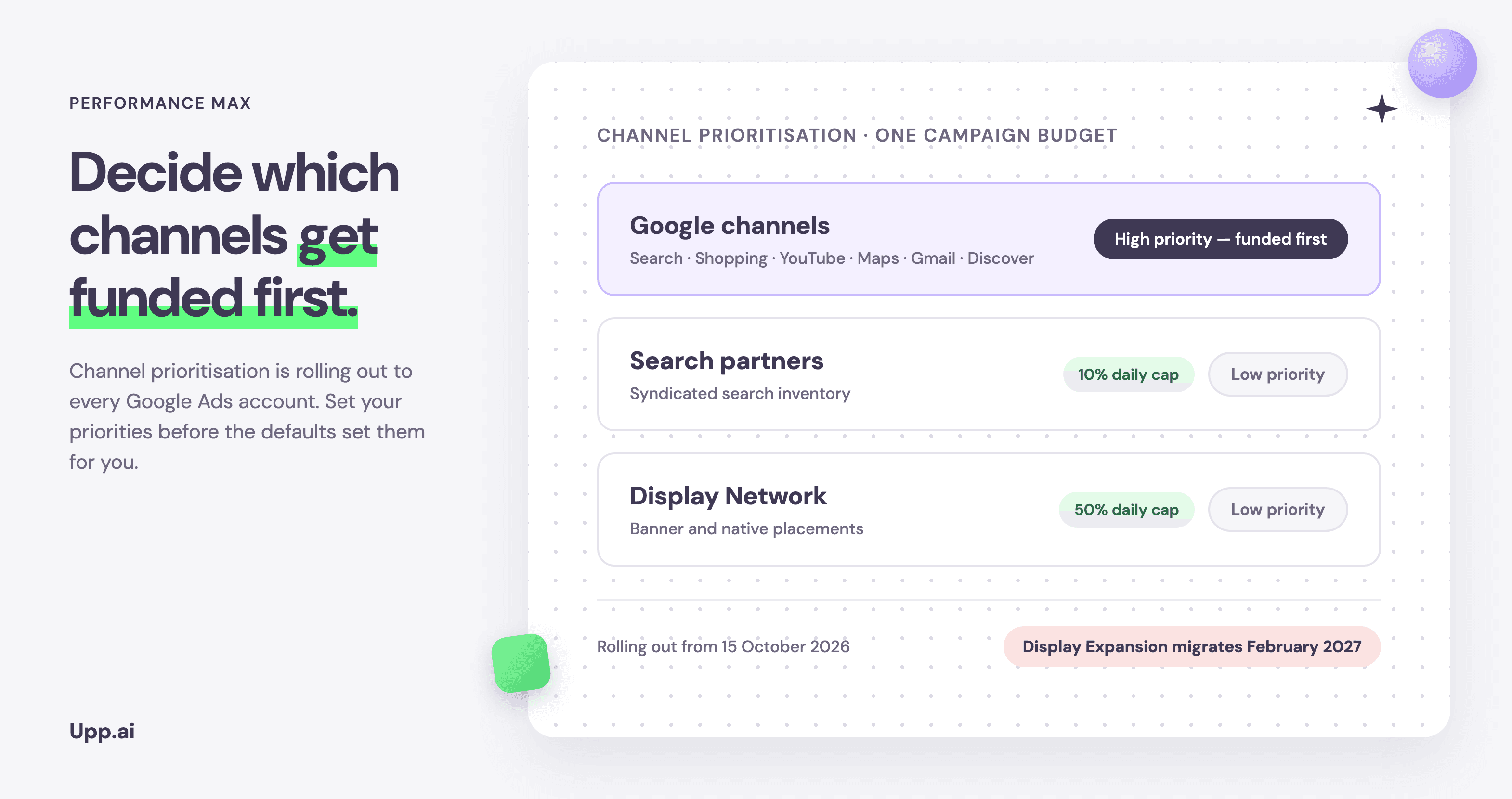
Performance Max channel prioritisation: the complete UK ecommerce guide
Google is rolling out channel prioritisation and budget allocation controls from 15 October. What UK retail teams can set inside PMax, what they still can't, and the February 2027 date to diary.
Upp.ai insights team
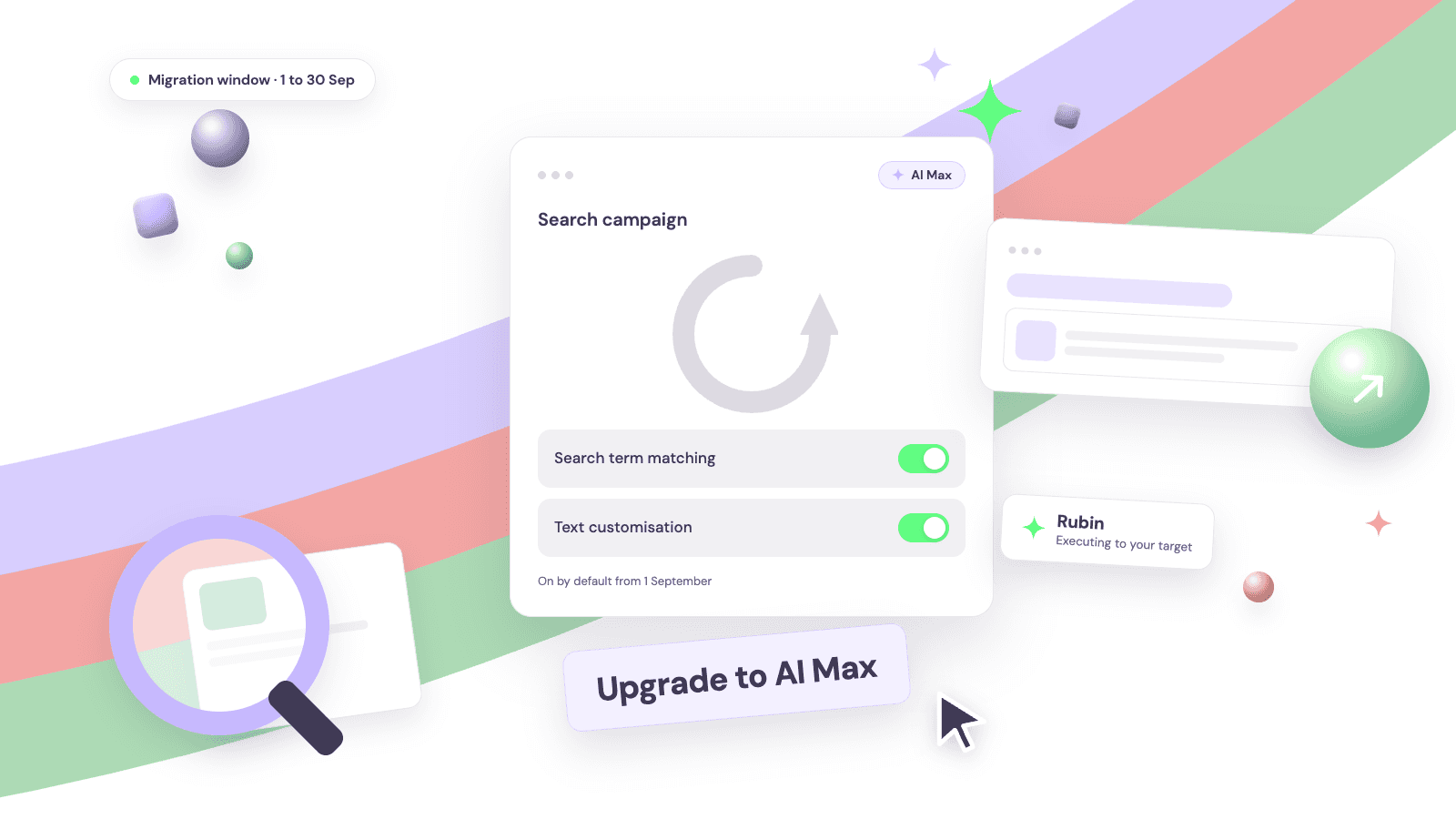
Google AI Max auto-upgrade: what changes on 1 September
Two Search features move into AI Max automatically between 1 and 30 September. What changes, which defaults switch on, and the checklist to run before the window opens.
Upp.ai insights team
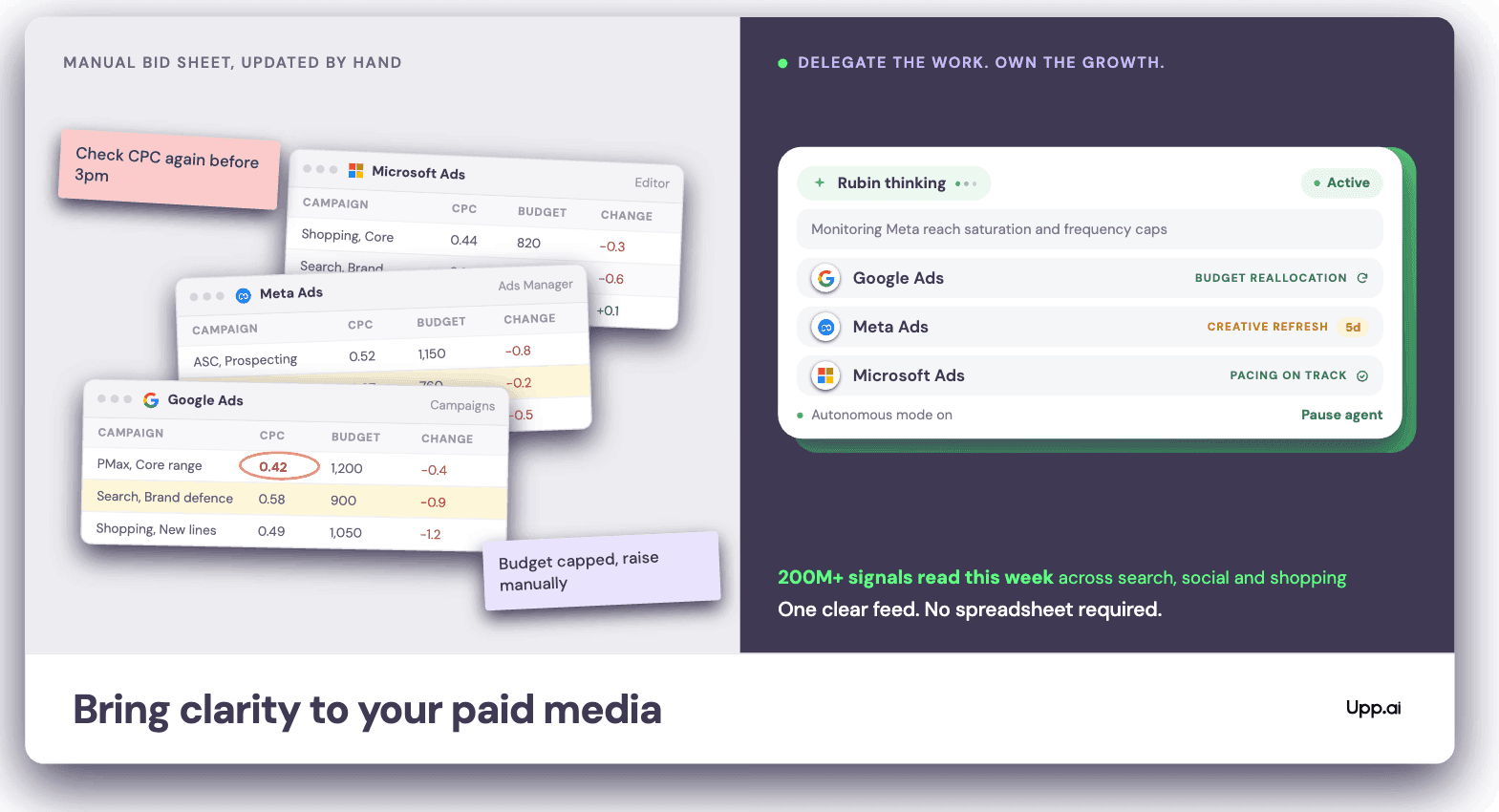
Why the paid media market moves faster than teams can react
53% of PPC professionals say the job is harder than it was two years ago. The reason is not a skills gap: purchase intent now forms across more surfaces than any team can watch.
Upp.ai insights team