Upp.Insights: Category Reporting
When you use Upp.ai to manage Performance Max, Upp.Insights-Category Reporting gives you an overview of your advertising perofrmance for each category.
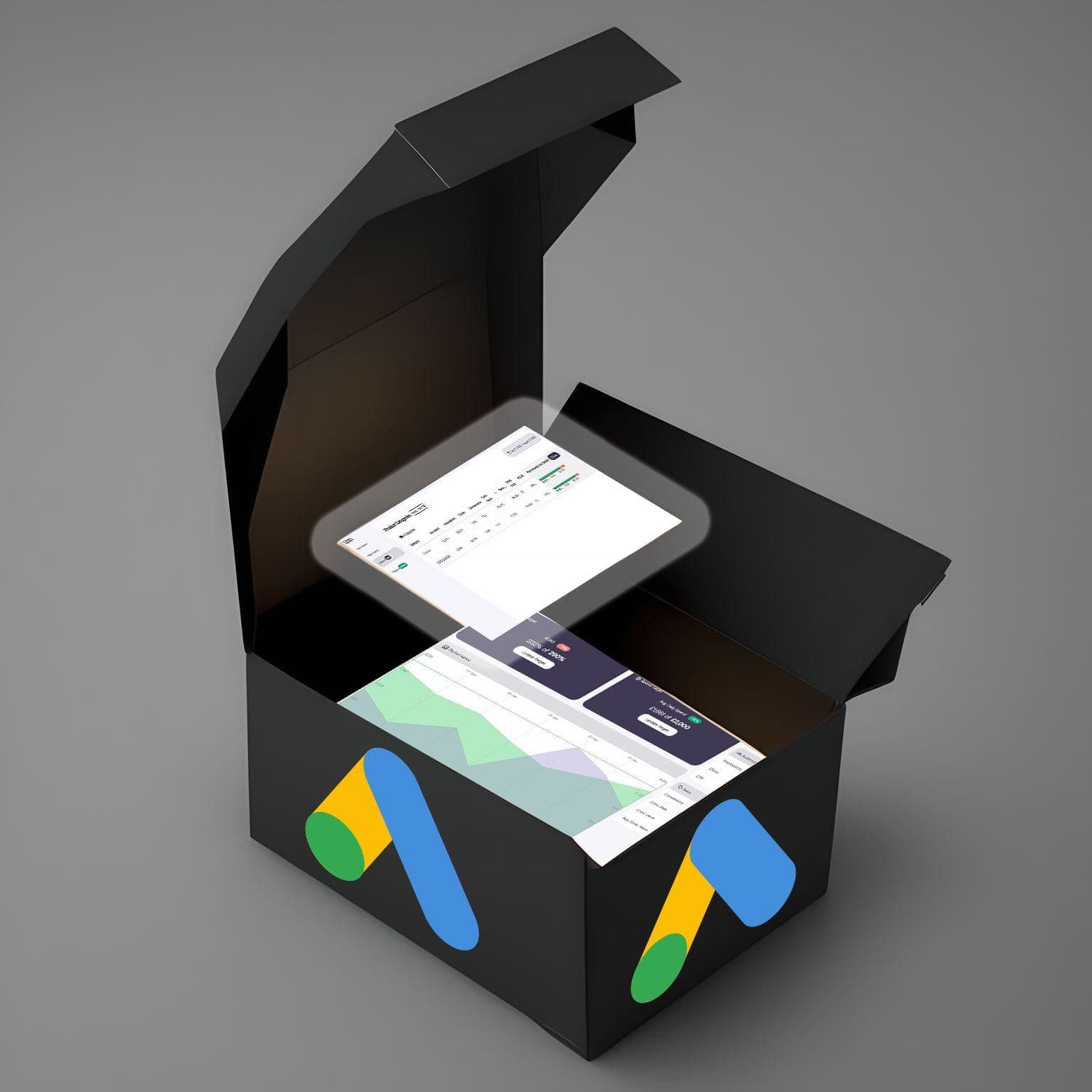
Upp. are excited to introduce you to our brand-new Category Reporting feature! It’s all about providing you with the insights you need at the category level. This joins our Upp.Insights suite of reports that you have at your fingertips, when Upp.ai is managing your Performance Max campaigns. Category Reporting, alongside our other Insights, provides an unprecedented level of information that is simply not available when you try to manage the “Black Box” that is Performance Max without Upp.
Unlike Googles category reporting, which is hidden away and hard to use this report offers insights into how many products within each category meet, exceed, or fall below the account-level ROAS target (Performance vs Target below). It also includes data from your order source such as units sold and revenue per category.
Features
- Key performance metrics for each category level are displayed, along with a breakdown of products within each category that achieve different ROAS levels (above/on/below target)
- You can drill down from the highest category level (e.g., Home and Garden) to the most granular level (e.g., Home & Garden > Decor > Clocks > Floor & Grandfather Clocks > Spare Parts).
Performance vs Target Comparisons
The Performance Vs Target graphic provides a visual snapshot of a rolling 30 day look into how many products within a given category meet, exceed or fall below your current account level ROAS target. This lets you quickly drill down and identify sub categories that can provide revenue opportunities with additional budget.
This is calculated with the following thresholds:
- Exceed 20% higher than the current account level ROAS target and above. E.g. if your ROAS target was 200%, this would be any product achieving a ROAS over 240%.
- Meet 20% higher than the current account level ROAS target and below and 20% lower than the current ROAS target and above. E.g. if your current account level ROAS target was 200%, this would be any product achieving a ROAS over 160% and under 240%.
- Fall below 20% lower than the current account level ROAS target and below. E.g. if your current account level ROAS target was 200%, this would be any product achieving a ROAS below 160%.
Talk to one of our Google Shopping performance experts to find out more about this exciting new feature
Here is a video walkthrough of the new reporting feature.
Move your paid media to AI
See how Upp.ai helps your team run paid media with AI, so you can focus on strategy.
Keep reading

Meet the Adaptive AI Adopters - Upp.ai
The UK’s top 10 machine powered retailers
Upp.ai team

Insights from AI Adopters: Practical Applications of AI Technology
In retail, AI adoption is driven by business cases and practical use rather than specific AI technologies, explains Darshan Chandarana, emerging technology lead at PwC UK.
Upp.ai team

The power of adaptive AI in a data-driven world
Adaptive AI helps by continuously analysing demand, competitor actions, market conditions, and consumer behaviour to uncover insights and improve decision-making.
Upp.ai team